


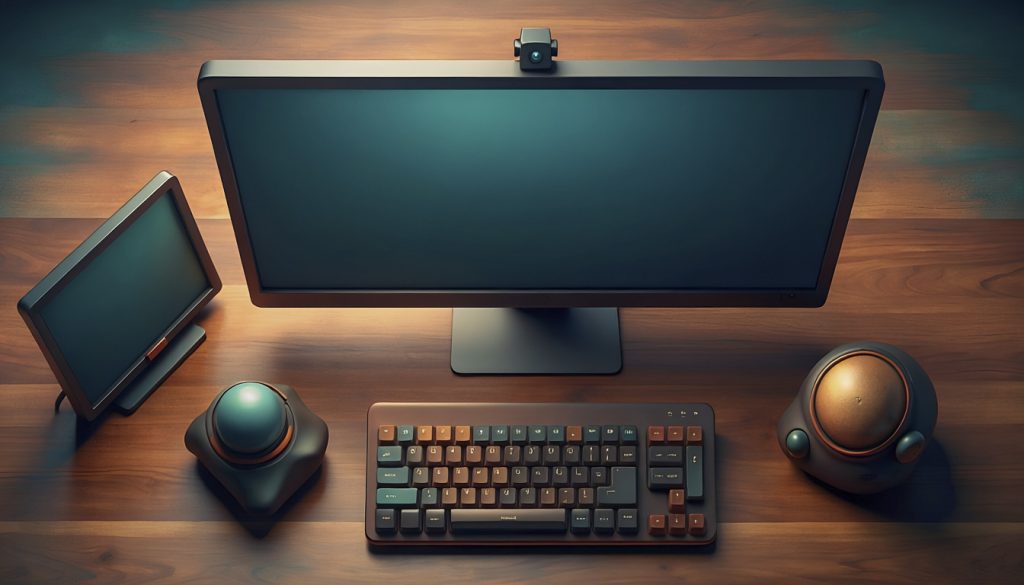
For years my desk looked correct. Primary monitor straight ahead, secondary one to the right, keyboard and mouse where you would expect them. Drawn on paper, nothing was wrong with it.
Then I noticed something odd. I spent most of my workday looking at the secondary monitor—not the one I had carefully positioned in front of me, but the other one. By the evening my forearm was uncomfortable, and my neck had a dull ache on one side.
Whatever is cheapest to reach wins.
The mouse sat to the right of my keyboard. Moving the cursor to the right-hand screen was the cheapest move available: short travel, no crossing my body’s midline. Moving it left meant dragging farther across the desk.
So the cursor drifted right. And attention follows the cursor. Whatever I was actively working in ended up on the right-hand screen, because that is where the pointer already was. The monitor I had deliberately placed in front of me slowly became a parking spot for chat windows and logs, while the real work happened off to one side.
The layout was correct on paper. My pointing hand overruled it.
That is the part worth generalising: whatever is cheapest to reach becomes what you use, regardless of what you intended. You can arrange a desk however you like, and your hands will quietly renegotiate it over the course of a working day.
The fix was not a purchase.
I moved the secondary monitor to the left, angled ten or fifteen degrees toward me. The primary stayed straight ahead, on my midline.
Left is not ergonomically better than right. I want to be clear about that, because it is not a recommendation. The rule that actually matters is the boring one: the screen you use most belongs directly in front of you. Which side the other one goes on is yours to decide.
What the move did for me was break the pull. The off-centre screen became the expensive one to reach, so the cursor stopped drifting there out of habit, and I stopped spending the day slightly turned.
The change cost nothing. Two monitor arms and ten minutes.
The same move, three more times
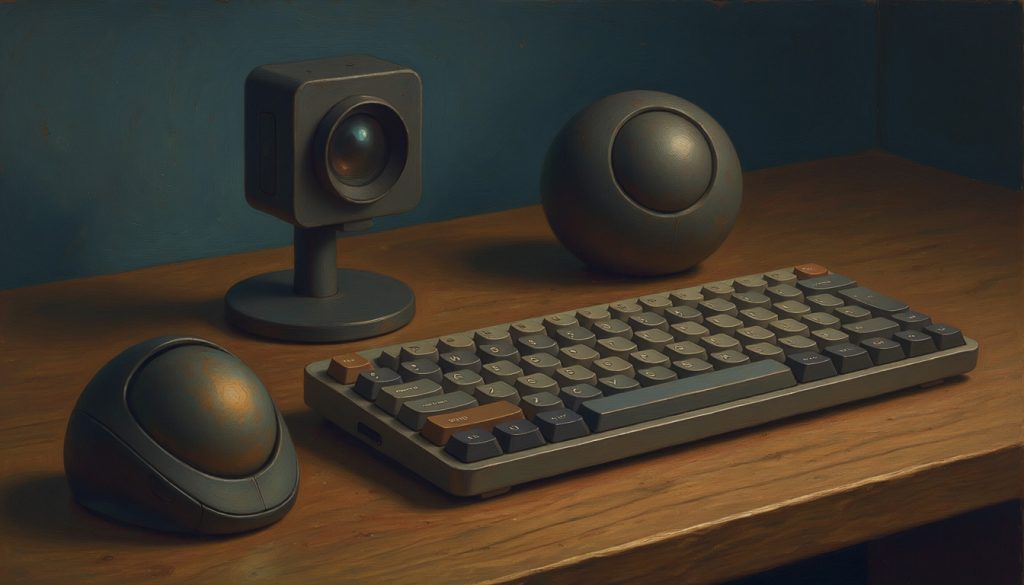
Once I noticed the pattern, the rest of my setup followed the same idea, repeated.
Two pointing devices instead of one. A Kensington SlimBlade Pro on the left, an MX Ergo on the right. Most people never consider running two at once, but it means neither hand does all the reaching, and I can switch by task or when one wrist has had enough. Trackballs help here for a second reason: the device stays still, so there is no travel across the desk at all.
An external keyboard. An MX Mechanical Mini, which frees the screen to sit at eye height instead of being welded to wherever my hands happen to be.
An external camera at eye level. A laptop lid puts the camera below your face, so you spend meetings leaning toward it. An hour of that adds up, and you can see it happening to other people on the call.
The through line: the laptop stops being the interface and becomes the box that runs things.
Rearranging is free
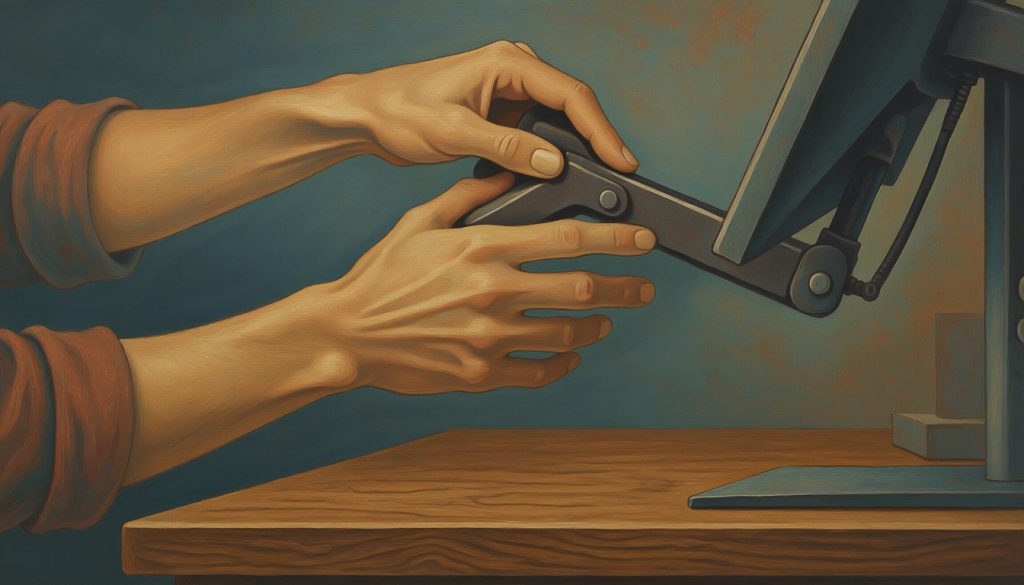
Most ergonomics advice is shopping. Better chair, wrist rest, vertical mouse, standing desk. Sometimes that genuinely is the answer. But the changes that fixed my problem were rearrangements — I already owned everything involved.
Three questions worth asking about your own desk:
- Which screen do you actually look at, as opposed to the one you meant to look at?
- What is the cheapest thing to reach, and is it the thing you use most?
- What are you leaning toward?
Most of us inherit a desk layout. From an office, from a first job, from however the boxes happened to unpack. Then we spend years trying to make that arrangement work instead of asking whether it should be that arrangement at all.
Your setup is your setup.
Written with AI assistance.





Comments